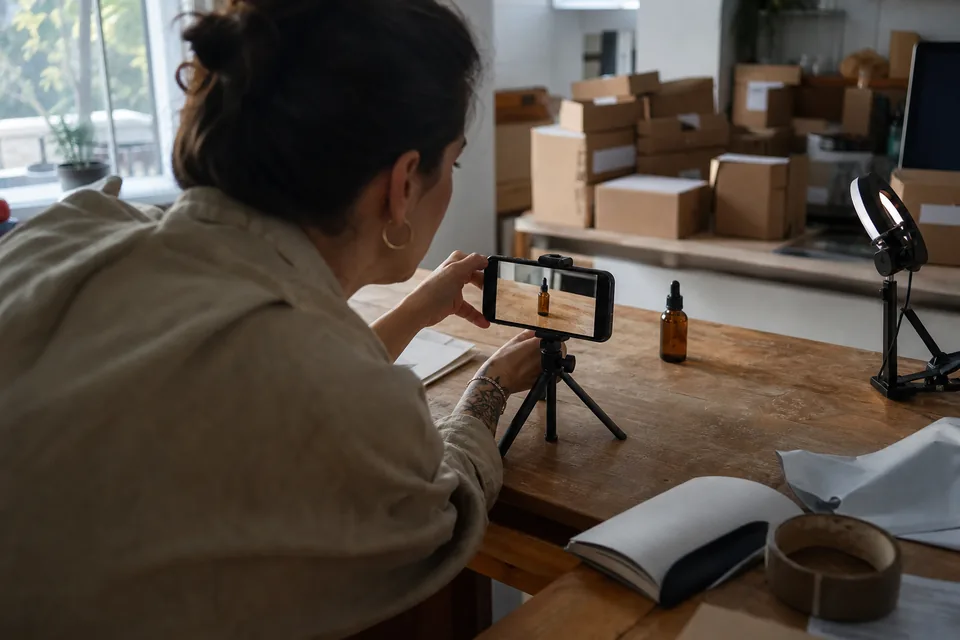
AI ad maker for video and static ads from one concept
Campaigns rarely run on video alone. Feeds, display slots and catalog placements still need images, and they should say the same thing as your video. AdClip makes both from one concept in a single batch.
Why video and static drift apart
When a video editor and a designer work from the same brief, small differences creep in. The video opens on the result, the image leads with the price, the button says one thing in one place and another elsewhere. In a test, those differences blur what you are actually measuring. The AI ad maker keeps one source of truth: the angle, hook, offer and brand kit are set once and every output inherits them.
What one batch contains
A batch is a set of ads built around a single angle, ready to upload as one campaign or ad set.
| Output | Formats | Built from |
|---|---|---|
| Vertical video | 9:16, 15 to 45 s | Script, your clips and photos, licensed stock, voiceover, music |
| Feed video | 4:5 and 1:1 | The same edit reframed for feed |
| Landscape video | 16:9 | The same story reframed for in-stream |
| Static feed image | 1:1 and 4:5 | Product photo, headline from the hook, offer, button text |
| Display image | 1.91:1, 1:1, 4:5 | Product cutout, background, headline and button variants |
| Copy sheet | CSV | Primary text, headline, description and file name per variant |
How the static ads are made
Static ads start from your own product photos. AdClip removes the background, places the product on a layout made for the format, and adds the headline, offer and button from the same hook the video uses.
- Layouts per format, so a 1.91:1 banner is not a squashed square.
- Background removal on product photos.
- AI generated backgrounds within the monthly limit of your plan.
- Several headline and button variants per image for testing.
- PNG and JPG export in the exact pixel sizes each platform expects.
How the video ads are made
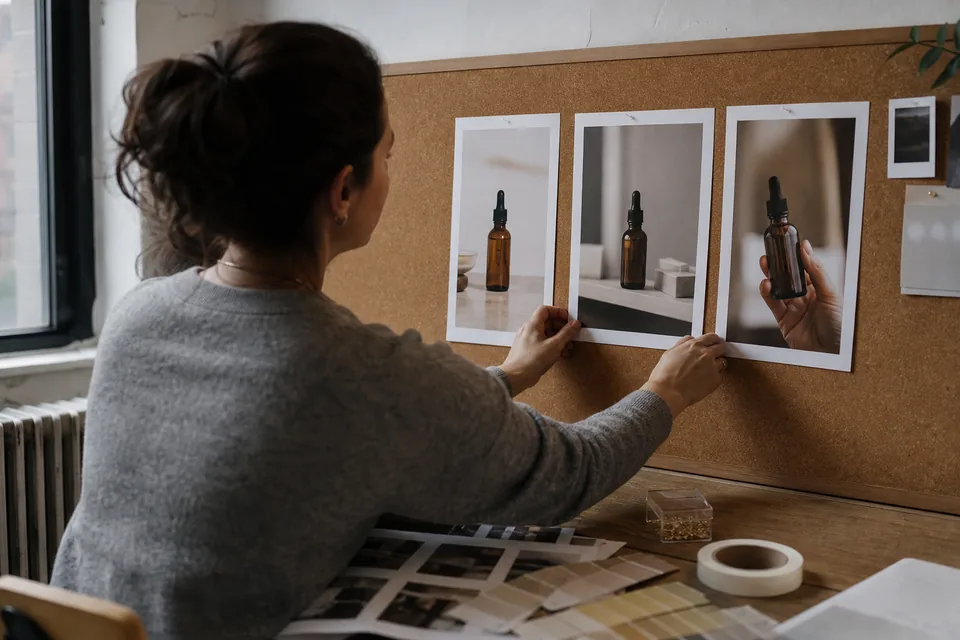
The video side writes a 15, 30 or 45 second script with a scene list, then matches each line to a shot from your library or from licensed stock. Captions animate in your brand fonts, an AI voice reads the script, licensed music sits under it, and the ad ends on your logo card with the call to action. The full workflow is on the AI video ad generator page.
Change once, update everywhere
Edit the hook, the price or the offer in the batch and every video and image that uses it updates. That matters when a promotion ends early, a price changes or legal asks for a new disclaimer. Disclaimers stored in your brand kit are added to every output automatically.
Video and static limits per plan
| Plan | Video ads per month | Static ads per month | AI backgrounds per month |
|---|---|---|---|
| Starter | 30 | 100 | 10 |
| Growth | 90 | 400 | 30 |
| Agency | 300 | 1 500 | 60 |
| Enterprise | 1 000 | 5 000 | 200 |
Limits reset each month. There are no credits, and paid plans export without a watermark. Compare all limits on AI ad generator pricing.
Tips for a mixed format test
- Keep the hook identical across video and static in the first round, so format is the only variable.
- Use the static ads to test offers quickly, because images reach a read faster than video.
- Put the strongest product photo in the first scene of the video and in the static image, so recognition carries across placements.
- Name files by product, angle, ratio and variant, which AdClip does for you, so reports stay readable.
For a deeper method, read the creative testing tool page.
Related pages
- Every placement and size in one place with the ads maker.
- Image sizes for Google with the ad banner creator.
- Meta formats on the facebook ad maker page.
- Store workflows for ecommerce video ads.
AI ad maker questions
No. Each plan has a separate monthly limit for video ads and for static ads, so making images never uses up your videos.
Yes. You can build a batch of static ads alone and add video to the same concept later.
You can keep a clean studio background, use one from the layout, or generate a new background with AI within your plan limit.
Yes. Your brand kit applies the logo, colours, fonts, banned words and disclaimers to every image, just as it does to video.
See video and static from your own product
Paste a link to get hooks, two scripts and watermarked static previews in feed sizes.