Ad banner creator for Google Display and Performance Max
Google image campaigns need the same product in several shapes and a stack of short headlines. AdClip builds both from your product page, with layouts made for Display, Performance Max and Demand Gen.
The resizing work behind every Google campaign
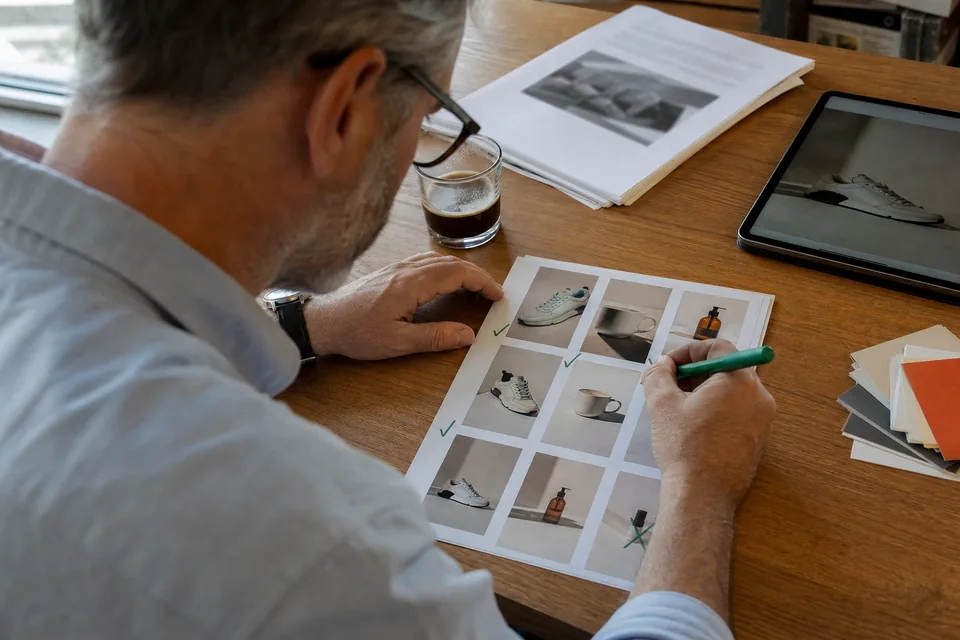
A responsive display ad or a Performance Max asset group asks for landscape, square and portrait images, plus several headlines and descriptions that Google mixes and matches. Done by hand, that means cropping each product photo three times, checking that nothing important is cut off and writing text that fits strict character limits. Multiply that by every product and every refresh and it becomes the slowest part of the campaign. AdClip is an ad banner creator that does this layout work for you and leaves the decisions about message and offer in your hands.
Google image sizes AdClip produces
| Asset | Ratio | Common size | Where it shows |
|---|---|---|---|
| Landscape image | 1.91:1 | 1200 by 628 | Display network, Gmail, Discover and other wide slots |
| Square image | 1:1 | 1200 by 1200 | Display, Performance Max and most mobile placements |
| Portrait image | 4:5 | 960 by 1200 | Performance Max, Demand Gen and vertical feeds |
Google lists minimum sizes, file size limits and accepted formats in its asset guide, and it updates them from time to time, so check the current Google Ads spec before uploading. AdClip exports PNG and JPG at full size for each ratio, and keeps the product inside the area that survives Google's automatic cropping.
How the ad banner creator works
- Paste a product or collection link, or upload your own product photos.
- AdClip removes the background where it helps and places the product on a clean layout for each ratio.
- It can create AI generated backgrounds for a lifestyle look, within the monthly limit of your plan.
- It writes short headlines, long headlines and descriptions from the claims and offer on your page.
- You pick layouts, adjust any line and export the full set with a CSV of text assets.
Want video for the same campaign? The youtube ad maker builds Shorts and in-stream ads from the same product link.
Text assets that fit Google's limits
Responsive ads combine images with separate text fields, and Google enforces a character limit on each. Commonly that means short headlines of about 30 characters, long headlines and descriptions of about 90 characters, and a business name. AdClip writes several options for each field, counts characters as it goes and lists them in the CSV, so you can paste them straight into the asset group. Check the live limits in Google Ads, since they can change.
For hooks and text on social platforms, the facebook ad copy generator works the same way for Meta fields.
Clean images work better in responsive ads
Because Google adds headlines and buttons as text around the image, responsive display images generally do best with little or no text on the image itself. Heavy text overlays can get cut off by cropping or look cluttered next to Google's own text. AdClip lets you choose a clean product layout for responsive assets and a layout with an on-image headline for places where you control the whole creative.
Tips for Google display images
- Fill the frame with the product, but leave breathing room at the edges for cropping.
- Use a real product photo as the hero. Lifestyle backgrounds support it, they do not replace it.
- Upload all three ratios. Missing a shape limits where Google can show the ad.
- Give Google several distinct images and headlines, so its combinations have something to learn from.
- Keep logos in your brand kit, so the same mark appears on every image and in the end card of your videos.
Who uses it
- Online stores running Performance Max next to Shopping feeds. See ecommerce video ads.
- App teams promoting installs on the Display network. See mobile app video ads.
- Agencies preparing asset groups for several client brands, each with its own brand kit, through ad creative software for agencies.
Related pages
- AI ad creative for image and video creative across networks.
- Creative testing tool for variant sets and file naming.
- Ad sizes for every size in one reference.
- AI ad generator pricing for static ad and AI background limits.
Ad banner creator questions
AdClip focuses on the image assets that Google's responsive display, Performance Max and Demand Gen formats use: 1.91:1, 1:1 and 4:5. Google then fits those assets into the many banner slots across its network.
Starter includes 10 AI backgrounds per month, Growth 30, Agency 60 and Enterprise 200. Background removal and layouts from your own photos do not use that allowance.
Yes. The 1:1 and 4:5 images work in Meta Feed placements too, and each batch can include 9:16 versions for Stories.
Yes. Your brand kit sets the logo, colours, fonts, banned words and disclaimers, and every image in the batch follows it.
Build your next Google asset group from a link
Paste a product link and see watermarked previews of your own product in feed sizes, with real headlines.