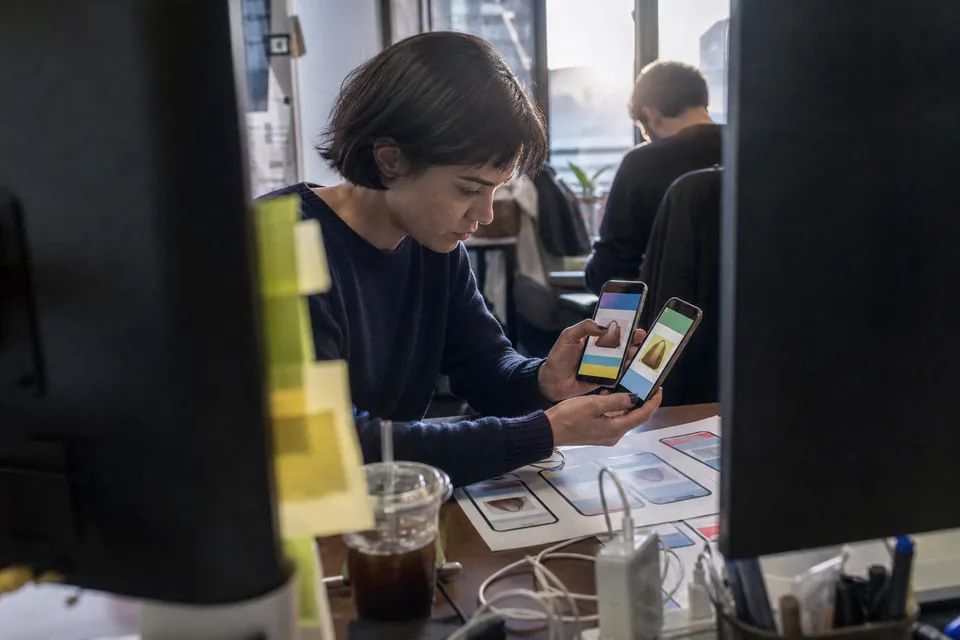
Mobile app video ads from your store listing
Paste your App Store or Google Play link. AdClip reads the listing, writes install hooks per feature and per audience, and builds vertical video ads and static ads from your own screenshots and screen recordings, in the languages you advertise in.
Install campaigns need more creative than one team can edit
User acquisition runs on volume. Every feature can be its own ad, every audience hears a different benefit first, and every country needs captions and a voiceover in its own language. That multiplies quickly: a handful of features, a few audiences and several languages turn into dozens of edits before anyone has tested a single hook. AdClip produces those variations from one listing, so the team spends its time on which message wins rather than on exporting files.
How an app listing becomes install ads
- Paste the app store link. AdClip reads the app name, subtitle, description, screenshots and the review text shown on the listing.
- It drafts angles per feature and per audience, for example a time saved angle for busy parents and a progress angle for beginners.
- It writes hooks in the formats that work for installs: problem, result, comparison, offer and curiosity.
- It builds 15, 30 or 45 second scripts with a scene list, on-screen text and voiceover lines.
- It assembles the video from your screenshots and screen recordings, adds licensed stock footage of people in real situations, animated captions, an AI voiceover, licensed music and an end card with your store badges and call to action.
- It lays out static ads from your screenshots for feeds and display placements.
The create ads with AI page walks through every step in detail.
App screen walkthrough template
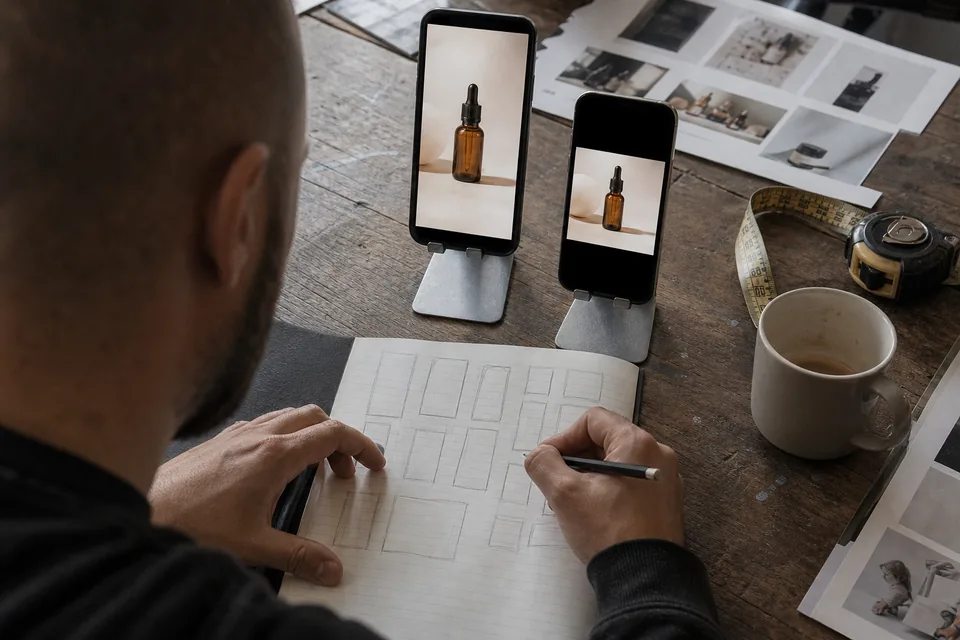
The app screen walkthrough template is built for install ads. It shows the screen the user sees first, the action they take and the result, with a caption on each step and the voiceover explaining why it matters. Use it for onboarding, for a single hero feature or for a before and after of a task done the old way and inside your app.
- Device framed screens or full screen recordings.
- Tap and swipe highlights placed on the action.
- Captions sized to stay clear of the platform interface.
- End card with your call to action and store badges.
One concept in every language you advertise in
Choose the languages for a batch and AdClip writes captions and voiceover lines for each one, then renders a separate file per language with the language in the file name. The AI voiceover comes in multiple voices and languages, so a campaign for several countries keeps one structure and one brand kit while each market hears its own language. Voice and language variants are part of the A/B variant sets on Growth and higher plans.
Placements for app install campaigns
Vertical placements carry most install spend, so every batch starts from 9:16 and adapts down. See the YouTube ad maker for Shorts and in-stream details.
 9:164:5
 1:116:91.91:1
| Platform | Placement | Ratio |
|---|---|---|
| TikTok | In-feed | 9:16 |
| Meta | Reels and Stories | 9:16 |
| Meta | Feed | 1:1 and 4:5 |
| YouTube | Shorts | 9:16 |
| YouTube | In-stream | 16:9 |
| Display image sizes | 1.91:1, 1:1 and 4:5 |
Tips for mobile app video ads
- Show the app within the first two seconds. Viewers decide fast whether the ad is for them.
- Lead with one feature per ad. An ad that lists everything is harder to read than one that shows a single clear win.
- Record short, clean screen captures with real content in the app. They make the strongest scenes.
- Name variants by feature and language. AdClip does this by default, so a report in ad manager points straight back to the concept.
- Keep the voiceover and captions in the same language. Mixed language ads confuse viewers and reviewers alike.
What an app team exports
- MP4 video ads per feature, audience and language.
- PNG and JPG statics from your screenshots.
- SRT captions per language.
- A CSV of variant names and copy for bulk upload.
- Brand kit rules applied to every file, including banned words and required disclaimers.
Use the creative testing tool to plan which variants go into each test.
Mobile app video ads questions
Yes. Paste an App Store or Google Play link and AdClip reads the public listing, including its screenshots and description.
Yes. Upload screen recordings and screenshots to the workspace and AdClip cuts them into scenes with captions and highlights.
No. Ads are built from your own app screens and licensed stock footage. AdClip does not create avatars or AI presenters.
Growth fits most app teams, with 3 seats, 3 brand kits, voice languages, A/B variant sets and bulk export. Compare limits on the AI ad generator pricing page.
See install hooks for your own app
Paste your store link and get hooks and two scripts for your app in under a minute.