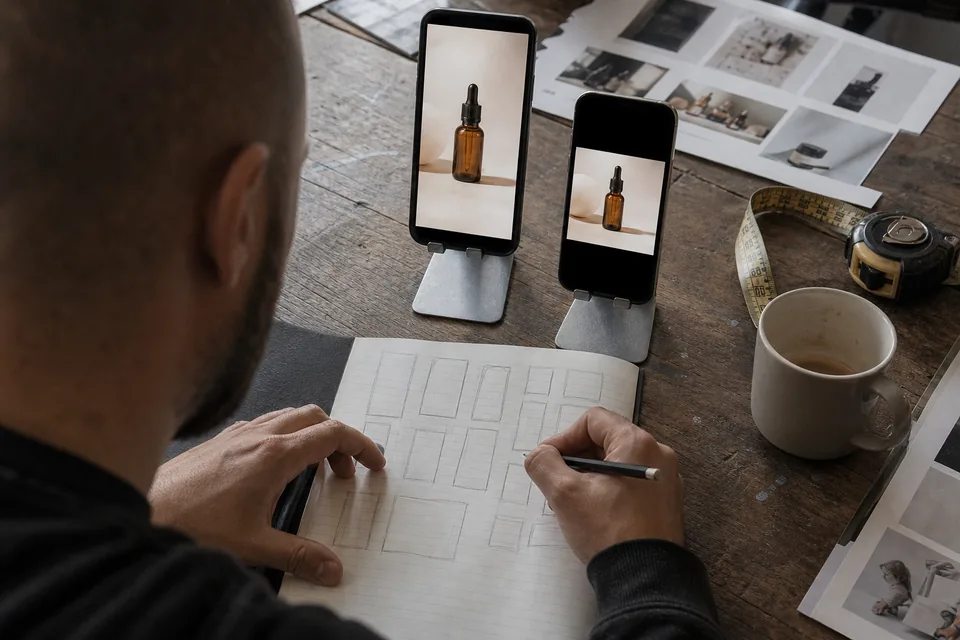
YouTube ad maker for Shorts and in-stream ads
AdClip makes original YouTube ads from your product page: vertical Shorts ads and widescreen in-stream ads, each with a script written for how people watch that placement.
Ads made for YouTube, not cut from long videos
This is an ad tool. AdClip does not take a long video and slice it into clips. It starts from your product or app page, writes a script for an ad and builds that ad from your own photos and clips, licensed stock footage, animated captions, an AI voiceover, licensed music and a logo end card. The result is a purpose built advertisement for YouTube, with a clear message, a call to action and nothing that was made for a different audience.
Two placements, two ways of watching
YouTube ads reach people in two very different moments, and the same video rarely fits both.
| Placement | Ratio | Viewing moment | How AdClip writes for it |
|---|---|---|---|
| YouTube Shorts | 9:16 | Fast vertical feed, swiped like other short video apps | Hook in the first second, quick cuts, captions in the center |
| Skippable in-stream | 16:9 | Before or during a video the viewer chose, with a skip option after a few seconds | Brand and product inside the first seconds, then the reason to keep watching |
| In-feed and other video placements | 16:9 or 9:16 | Among search results and recommendations | Uses the matching ratio from the same batch |
Google adjusts its video ad specs and placement names over time, so check the current Google Ads video guide before a large campaign. AdClip exports both ratios from one concept so you can serve each placement its own shape.
How the YouTube ad maker builds your ad
- Paste a product, collection or app store link and choose YouTube Shorts.
- Pick the goal (sales, installs, leads or awareness) and the tone.
- AdClip drafts angles and hooks, then writes 15, 30 or 45 second scripts with scene lists, on-screen text and voiceover lines.
- It builds the 9:16 Shorts version and the 16:9 in-stream version, each paced for its placement.
- You export MP4 (H.264) files with SRT captions, upload them to your YouTube channel, and pick them in your Google Ads video, Demand Gen or Performance Max campaign.
Need static images for the same Google campaign? The ad banner creator makes Display and Performance Max image sizes from the same product.
Tips for skippable in-stream ads
- Earn the next second. Viewers can skip after a few seconds, so show the product and the problem it solves right away.
- Brand early, not only at the end. A logo or product name in the opening seconds means even a skipped view carries your name.
- Use the widescreen frame. Show the product in context, with text sized for a television as well as a phone.
- Close with one action. A single end card with one call to action reads better than a list.
Tips for YouTube Shorts ads
- Treat Shorts like a vertical feed. The first frame and the first line decide the view.
- Keep captions and product away from the bottom and right side, where the title, channel name and buttons sit.
- Prefer shorter cuts for a single idea, and a longer version for products that need a demonstration.
- Reuse what works on other vertical feeds. A concept that wins as a TikTok ad generator export often adapts well to Shorts with a new hook.
What you get in each batch
- Shorts ads in 9:16 and in-stream ads in 16:9 from the same concept.
- Several hooks per angle, each available as its own variant.
- AI voiceover in multiple voices and languages, timed to the captions.
- Licensed stock footage and music cleared for paid ads on YouTube for as long as the ad runs.
- A CSV with variant names, headlines and descriptions for your campaign.
For a wider view of video production across every network, see the ai video ad generator.
Who uses it
- App teams running install campaigns on YouTube. See mobile app video ads.
- Stores using Performance Max and Demand Gen. See ecommerce video ads.
- Agencies producing YouTube creative for several client brands at once.
Related pages
- Instagram ad maker for Reels and Stories.
- Creative testing tool for structured hook and CTA variants.
- Ad sizes for one reference across networks.
- AI ad generator pricing for every plan limit.
YouTube ad maker questions
No. AdClip is an ad maker. It writes and builds new ads from your product page and product material, and it does not clip long videos.
Yes. Google Ads serves video ads from videos uploaded to a YouTube channel, usually as public or unlisted videos. You upload the AdClip MP4 there and select it in your campaign.
For Shorts, a short cut with one idea is a good start. For skippable in-stream, the opening seconds matter most, and 30 or 45 seconds gives room for a demonstration.
Yes. AdClip music and stock footage are cleared for paid ads on the platforms we export for, including YouTube, for as long as the ad runs.
Write your first YouTube ad from a link
Paste a product link and get real hooks and two scripts for your own product, plus a labelled example render.