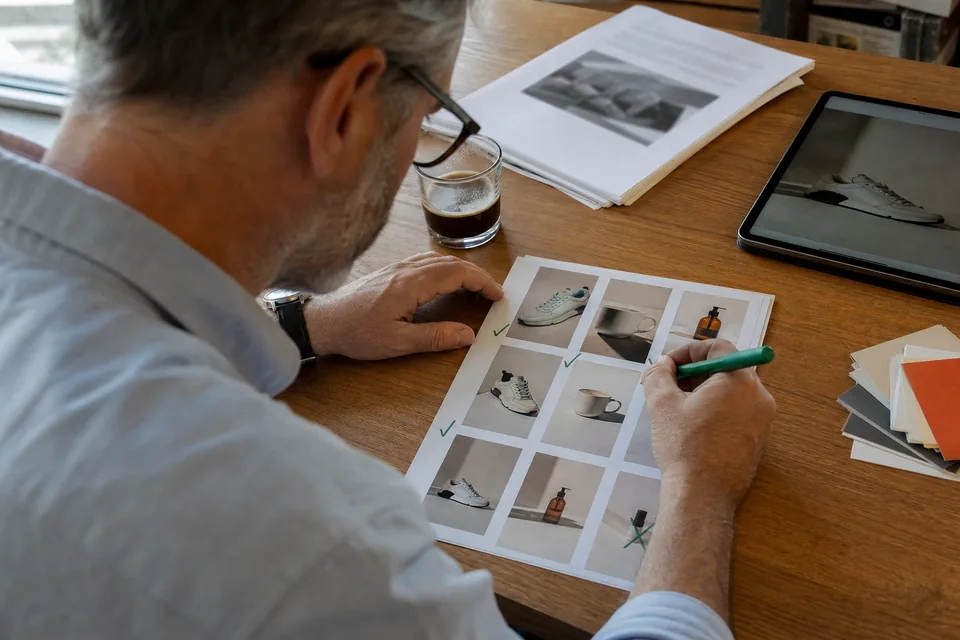
Facebook ad maker for video and image ads
Make finished Facebook ads without a design tool or a video editor. Start from a template or a product link, edit any line or scene, and export every Meta size in one go.
Made for people who ship ads, not timelines
Most store owners and marketers who run Facebook ads are not editors. They know what the offer is and which product sells, but turning that into a square image, a vertical video and a version for Stories takes hours in tools built for designers. AdClip is a Facebook ad maker that starts from the ad itself: you pick the product, the template and the format, and the layout, captions, timing and end card are handled for you. You stay in charge of the words and the shots.
Templates that match how Facebook ads are built
Each template is a proven ad structure with timing, caption style and scene order already set. You swap in your own product material.
- Problem and solution. Name the pain, show the product fixing it, end on the offer.
- Before and after. Two states side by side or in sequence, within Meta's rules for your category.
- Unboxing. Packaging, first look, details, price card.
- Feature walkthrough. One feature per scene with a short caption each.
- Offer countdown. Discount or bundle with a clear end date on screen.
- App screen walkthrough. Phone frame with your screens in order, for app install ads.
Prefer to start from a link? The ai facebook ads page shows how AdClip drafts angles and hooks from your product page first.
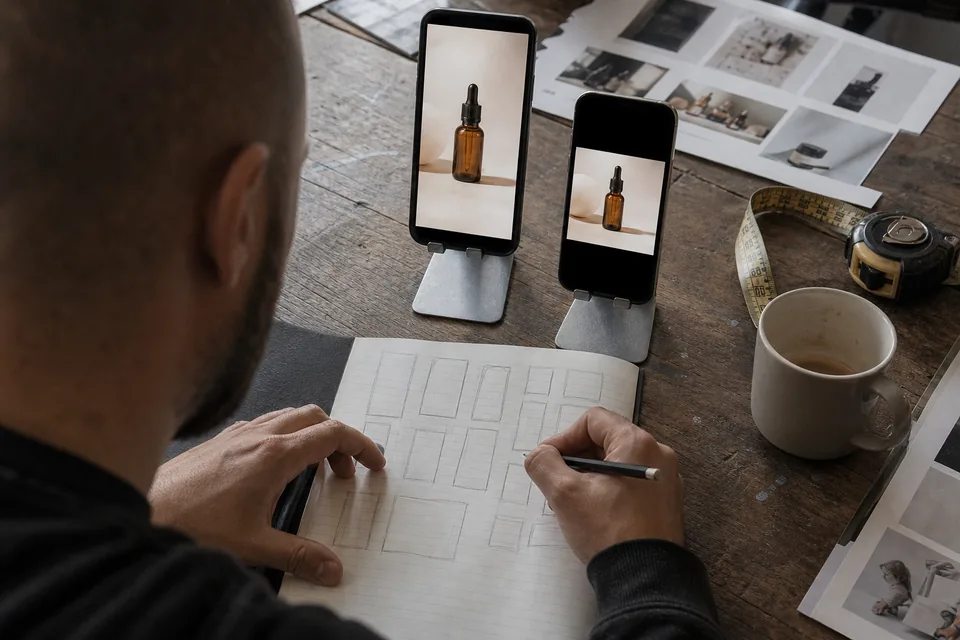
Edit like a document, not like a timeline
The editor shows your ad as a script. Each scene is a row with its shot, its on-screen text and its voiceover line. Change a word and the caption, the voiceover and the timing update together. Swap a shot by picking another photo or clip from your library or from licensed stock. Drag a row to reorder the story.
- Animated captions in styles that read well on a phone.
- AI voiceover in several voices and languages, regenerated when you change a line.
- Licensed music with automatic level ducking under the voice.
- Logo end card and call to action from your brand kit.
- Static image layouts with background removal, AI generated backgrounds within your plan limits, and headline and button variants.
Facebook ad sizes AdClip exports
| Format | Ratio | Typical use | Text guidance |
|---|---|---|---|
| Feed image or video | 1:1 | Facebook and Instagram Feed, right column | Keep the headline short and large |
| Feed image or video | 4:5 | Mobile Feed, takes more vertical space | Leave a margin at the bottom for the interface |
| Reels | 9:16 | Full screen vertical video | Keep text in the central area, clear of the caption and buttons |
| Stories | 9:16 | Full screen between stories | Keep the top and bottom bands free of key text |
Common practice is 1080 pixels wide for each ratio, for example 1080 by 1350 for 4:5 and 1080 by 1920 for 9:16. Meta updates its specs and safe zones, so check the current Meta ads guide when you plan a big launch. For one page that covers every network, see our reference on ad sizes.
Copy fields that fit the ad
A Facebook ad has more than the creative. AdClip fills the text fields too.
- Primary text, with the key sentence first because Meta truncates longer text behind "See more".
- Headline, kept short so it does not cut off under the image.
- Description, used in some placements and often hidden on mobile, so nothing essential goes there.
- Call to action button suggestion, such as Shop now, Learn more or Install now.
Every version lands in the batch CSV next to its file name. The facebook ad copy generator page goes deeper into hooks and text.
Every ad on brand by default
Set up a brand kit once with your logo, colours, fonts, voice, banned words and required disclaimers. Every Facebook ad you make uses it automatically, so a new team member or a busy week does not mean off brand creative. Growth includes 3 brand kits and Agency 15, which suits teams running several stores or ad creative software for agencies that handle several client brands.
Tips for making Facebook ads that hold attention
- Lead with motion or a clear product shot in the first second.
- Write captions for silent viewing, then let the voiceover add tone.
- Use one message per ad. Two offers in one ad usually blur both.
- Make the square and vertical versions from the same concept so results compare fairly.
- Keep claims to what your product page states, which also keeps you within Meta's ad policies.
Keep going
- Instagram ad maker for Reels and Stories first.
- Creative testing tool for variant sets and naming.
- Video ad maker for every network in one place.
- AI ad generator pricing for monthly limits per plan.
Facebook ad maker questions
Your own product photos and clips give the most honest ads, and AdClip uses whatever is on your product page. Where your library has gaps, licensed stock footage fills them, and on Growth and higher you also get a monthly allowance of short AI generated scenes.
Yes. One concept produces both video ads and static images in 1:1, 4:5 and 9:16, so your Feed and Stories placements match.
No. Paid plans export clean MP4, PNG and JPG files without a watermark.
Starter includes 30 video ads and 100 static ads per month, Growth 90 and 400, Agency 300 and 1 500, Enterprise 1 000 and 5 000.
Make your first Facebook ads from a product link
See hooks, scripts and Feed and Story previews for your own product before you pick a plan.