Video ad maker for marketers who are not video editors
A video ad maker should not ask you to learn keyframes. AdClip gives you an ad shaped timeline: pick a template, edit the script in plain text, swap shots, choose a voice and a track, and export every size you need.
An editor organized by scenes, not by tracks
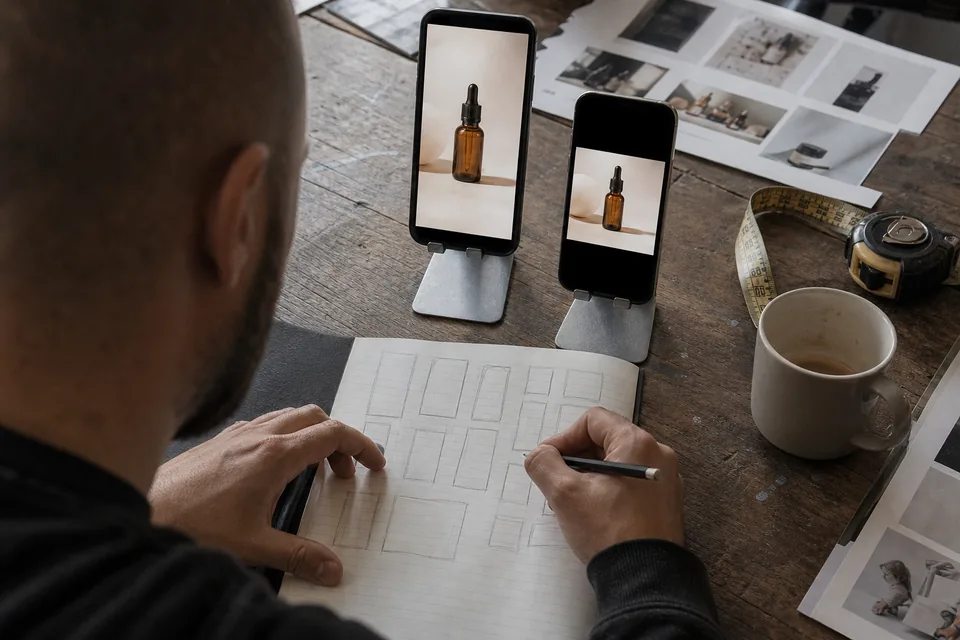
Classic editors show layers of video, audio and text that you line up by hand. AdClip shows the ad as a list of scenes, each with one shot, one caption and one voiceover line. That is the way ads are sketched on paper, so the editor follows the same logic.
- Rewrite a line and the voiceover, caption and scene length update together.
- Drag a scene up or down to change the order of the story.
- Replace the shot from your library, from licensed stock, or from the product page.
- Trim a scene with a single handle instead of cutting audio and video separately.
- Undo any change, including a full voice or template switch.
Ad templates that follow proven structures
Templates here are story structures, not decorative layouts. Each one sets the order of scenes, the pacing and where the offer lands, and then fills itself with your product.
Switch templates on a finished ad and AdClip rebuilds the order while keeping your script lines where they fit.
| Template | Structure | Works well for |
|---|---|---|
| Problem and solution | Pain point, product as the fix, proof from the page, offer | Skincare, tools, everyday products |
| Before and after | Starting state, change, result, call to action | Cleaning, fitness, home and beauty |
| Unboxing | Package, reveal, details, first use | Gifts, gadgets, subscription boxes |
| Feature walkthrough | One feature per scene with on-screen labels | Apps, electronics, software |
| Offer countdown | Deal first, reasons to act now, end card with the offer | Sales, launches, seasonal campaigns |
| App screen walkthrough | Screen recordings framed in a phone, tap by tap | Mobile and web apps |
Captions that people read with the sound off
Many viewers scroll muted, so captions carry the message. The video ad maker animates captions word by word in your brand fonts and colours and keeps them out of the areas where platforms place buttons, usernames and descriptions.
- Caption styles from clean subtitles to bold keyword highlights.
- Emphasis on the words that sell, such as the price or the result.
- Safe zone guides for Reels, Stories, TikTok and Shorts.
- SRT caption files exported alongside the MP4 for platforms that accept them.
Voice and music without a recording session
Choose from multiple AI voices, preview each line, and change pacing or tone without booking anyone. Pick a music mood and AdClip lowers the track under speech and lifts it on the end card. All stock footage and music in the library are cleared for paid ads on the platforms you export for.
- Voices in several languages from the same script.
- A default brand voice saved in your brand kit.
- Music moods sorted by energy, with the beat aligned to your cuts.
Your brand applied to every edit
A brand kit stores your logo, colours, fonts, voice, banned words and required disclaimers. Every new ad starts with them, so a teammate cannot export an off brand version by accident. Agency and higher plans add reviewer roles and approval before export.
Export once, get every size
When an edit is ready, export it in each ratio your campaign needs. AdClip reframes each version around the product rather than squeezing one crop into every placement.
- MP4 (H.264) in 9:16, 4:5, 1:1 and 16:9.
- SRT captions per video and language.
- A CSV with file names and copy for each variant.
- Bulk ZIP per batch on Growth and higher plans.
Need static images from the same concept too? The AI ad maker builds video and static in one batch.
Keep going
- Let the AI video ad generator assemble the first cut for you.
- Write better openings with the facebook ad copy generator.
- Check every placement size in the ads maker.
- Build Reels and Stories with the instagram ad maker.
- See the full flow on create ads with AI.
Video ad maker questions
No. If you can edit a document, you can edit an ad here. Every change happens in the script or the scene list, and timing follows automatically.
You can upload your own clips and photos to the brand library. For music and voice, AdClip uses its licensed library and AI voices, which keeps every export cleared for paid placements.
Yes. Pick another template and AdClip rebuilds the scene order while keeping your script lines, shots and brand kit where they fit.
MP4 (H.264) for video, SRT for captions, PNG and JPG for static ads, and a CSV of variant names and copy.
Build your next ad without an editor
Paste a product link and see hooks, two scripts and static previews for your own product.