AI product video generator that starts with your product shots
You do not need a studio shoot to get a product video. AdClip takes the photos on your store page and the clips on your phone and turns them into short videos that show the product clearly, frame by frame, in every ad size.
What you can feed it
The AI product video generator works with whatever product media you have, from a single packshot to a folder of clips.
- A product page link. Title, description, price and every image on the page are pulled in.
- A collection link. Each product in the collection becomes its own set of scenes, so one link covers a range.
- An app store link. Screenshots and the listing text feed an app screen walkthrough.
- Uploaded photos. Packshots, flat lays, lifestyle images, detail shots.
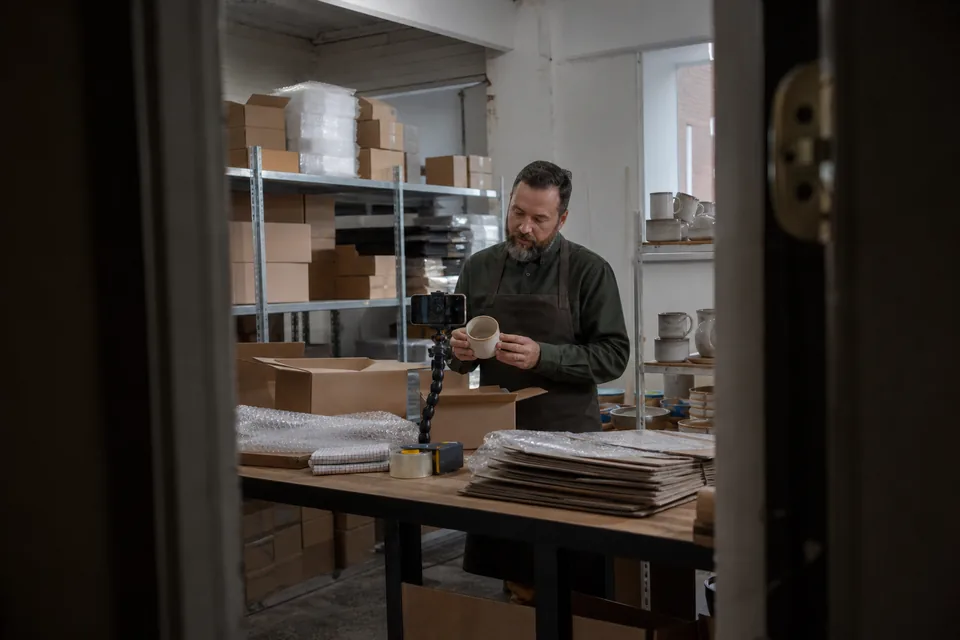
- Uploaded clips. Phone footage of the product in hand, in use, being unboxed or poured.
- Screen recordings for apps and software.
How still photos become motion
A packshot on its own is static, so AdClip gives it movement that suits an ad without distorting the product.
- Slow push in and pan across details, guided by where the product sits in the frame.
- Background removal so the product can sit on a clean or brand coloured background.
- Layered captions and price tags that move in sync with the voiceover.
- Transitions cut on the beat of the licensed music track.
Where a still cannot show something, such as the product in a real setting, licensed stock footage or, on Growth and higher plans, a short AI made b-roll scene fills the gap.
What it does with your phone clips
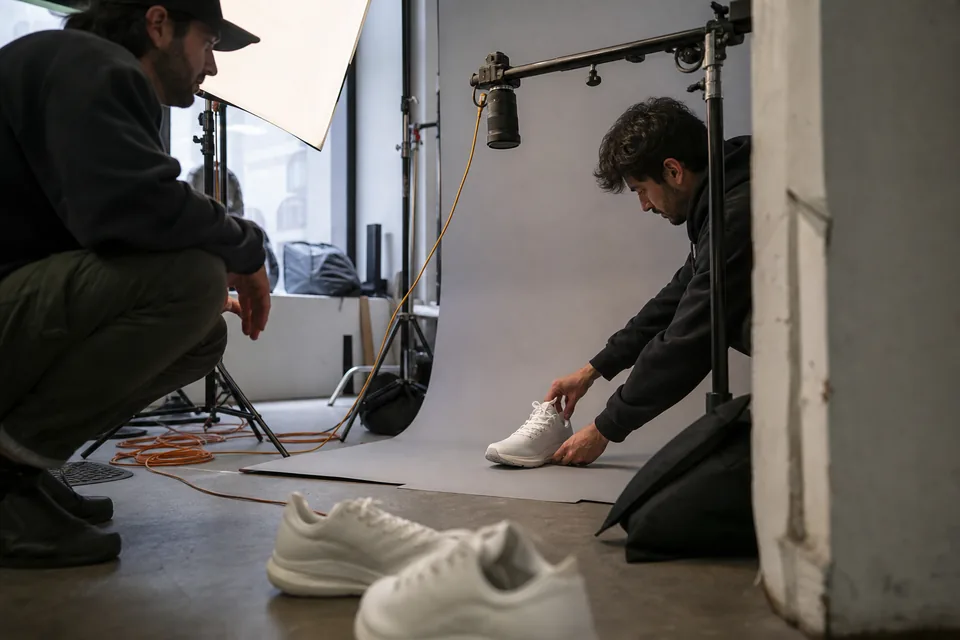
Phone footage is often the most convincing material a brand has, because it looks like real use. AdClip finds the usable moments in each clip, trims shaky starts and dead air, crops the clip to each ratio with the product kept in frame, and places the best moments where the script needs them.
- Automatic trimming to the strongest seconds of each clip.
- Reframing for 9:16, 4:5, 1:1 and 16:9.
- Captions in your brand fonts on top of your footage.
- An AI voiceover or a music only version, your choice.
How to shoot product clips that cut well
You can get strong source material with a phone and a window. These habits make every edit better.
- Shoot vertical first. Vertical footage crops well into 4:5 and 1:1, and covers the phone placements where most short ads run.
- Hold each shot for three to five seconds. Short ads cut fast, but the editor needs steady frames to choose from.
- Fill the frame with the product. Leave a little space around it so it survives every crop.
- Show the product in a hand or in use. Scale and real use help viewers understand what they are buying.
- Use soft, even light from one side and avoid mixed colour temperatures.
- Record the details that sell, such as the texture, the closure, the screen or the label.
Product videos across a whole catalog
Stores with many products need a video per product, not one hero video. With a collection link AdClip builds a batch per product with the same template and brand kit, so your catalog ads look like one family. File names carry the product, angle, ratio and variant, which keeps a large upload tidy. Read more for stores on the ecommerce video ads page.
What you get back
| Output | Details |
|---|---|
| Product video ads | 15, 30 or 45 s, MP4 (H.264), in the ratios you choose |
| Static product ads | PNG and JPG with cutout, layout, headline and button variants |
| Captions | SRT files per video and language |
| Copy sheet | CSV with names, primary text and headlines per variant |
Related pages
- The full video workflow on the AI video ad generator.
- Longer product spots with the AI commercial generator.
- Patterns that work in product video ads.
- App listings into install ads on the mobile app video ads page.
AI product video generator questions
Yes. AdClip animates your product photos, adds captions, voice and music, and can mix in licensed stock where a scene needs context.
No. Motion, cropping and background removal keep the product as it is. AdClip does not alter the product to show features or results it does not have.
One good photo is enough for a static ad and a short video. Five or more photos, or a few clips, give the editor room to build a paced 30 second ad.
If you have the rights to use it in ads, yes. Upload it to your brand library like any other clip.
Turn your product page into a product video
Paste a product or collection link and see hooks, scripts and static previews for your own items.