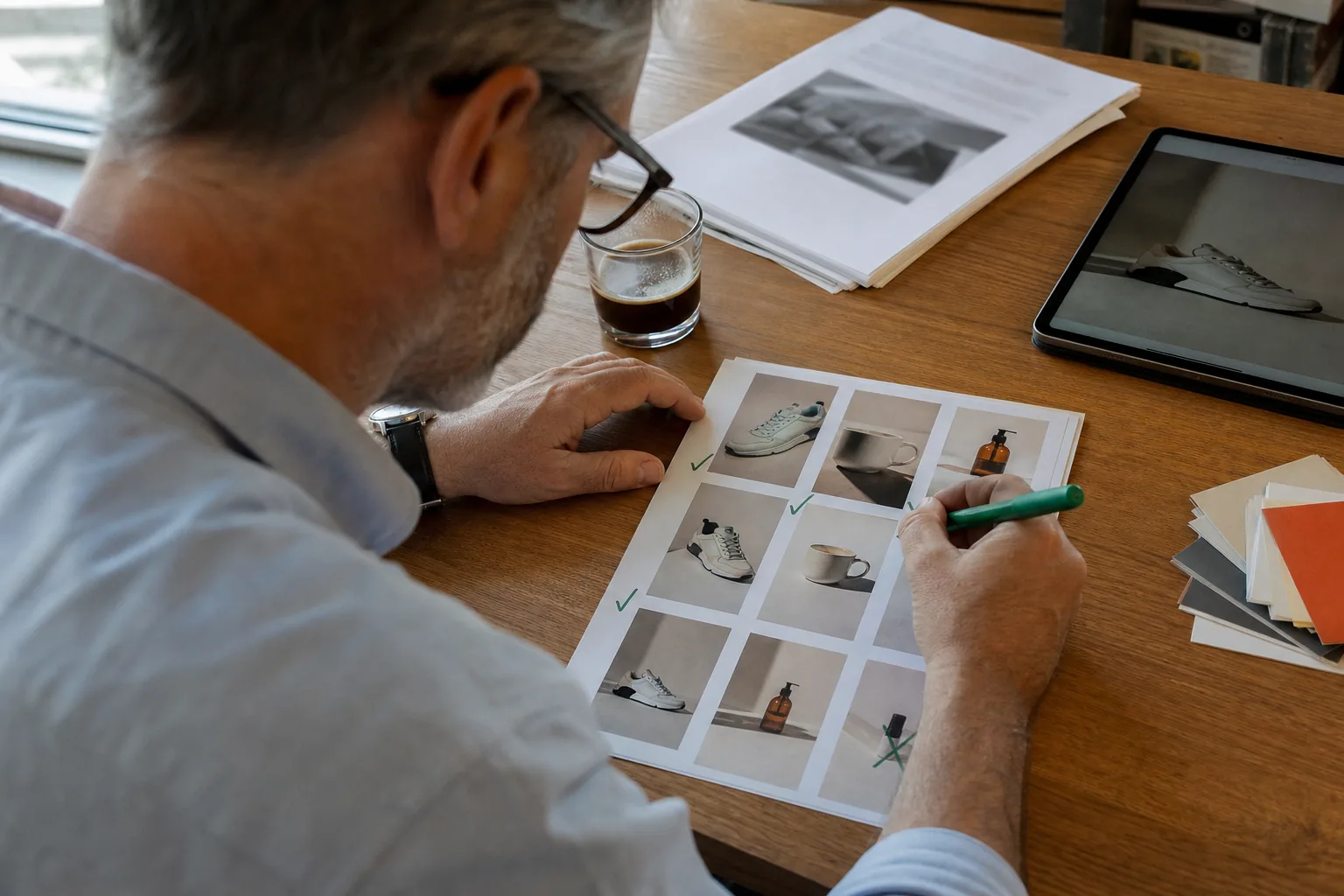
Why creative is the lever you control most
On Meta today, much of the targeting work is done by the delivery system. Broad audiences, Advantage+ placements and automated bidding mean that two advertisers with the same budget often reach overlapping groups of people. What separates their results is mostly what those people see: the first second of the video, the headline on the image, the offer, the proof shown on screen.
That makes the creative itself your main source of learning. Every ad you run is a small experiment, whether you meant it to be or not. A testing process simply turns those accidental experiments into deliberate ones, so that each week you know a little more about which angles, hooks and formats move your buyers.
Small teams often skip this because testing sounds expensive and slow. In practice, the slow part is not the testing. It is producing enough variants to test, and then reading results that were never set up to be compared. Fix those two things and a weekly rhythm becomes realistic.
The weekly rhythm at a glance
A testing week has five parts. You can run them on fixed days or compress them into two sessions if your calendar is tight.
| Day | Step | Output |
|---|---|---|
| Monday | Review last week and pick one hypothesis | A one line test question |
| Tuesday | Produce variants that change one variable | A named batch of ads |
| Wednesday | Launch with a fair budget split | Ads live in a test ad set or campaign |
| Thursday to Sunday | Let delivery stabilise, avoid edits | Clean data |
| Following Monday | Read results, promote winners, log learnings | Updated creative log and next hypothesis |
The loop matters more than the calendar. If you can only manage a two week cycle, run the same steps every two weeks. What breaks a testing program is not a slower pace, it is skipping the review and launching new ads with no question behind them.
Start every test with a written hypothesis
A hypothesis is one sentence that says what you change, what you expect, and why. It forces you to decide what the test is about before you open an editor.
Good hypotheses are specific and tied to something you believe about the buyer:
- If we open with the problem the product solves instead of the product itself, more people will watch past the first three seconds, because cold viewers do not know us yet.
- If we lead with the bundle offer instead of the single item price, click to purchase rate will rise, because our average buyer adds a second item anyway.
- If we show the product in use outdoors instead of on a white background, click through rate will rise, because the outdoor setting matches how buyers describe using it in reviews.
Weak hypotheses are vague ("try something new"), untestable ("make it pop") or contain several changes at once ("new hook, new music, new offer and a new format"). If you cannot say which part of a variant caused the result, you have not learned anything you can reuse.
Where do hypotheses come from? The best sources are close to the customer: the questions people ask in comments and support emails, the words used in your product reviews, the objections your sales page answers, the reasons people return items, and your own past winners. Keep a running list and pick the one you are most curious about each Monday.
Change one variable per test
The core rule of creative testing is simple: within a test, variants should differ in one variable and stay identical in everything else. That is what lets you attribute the difference in results to that variable.
The variables worth testing usually fall into a short list:
- Hook. The first one to three seconds of a video or the headline of a static ad. This is often the highest leverage variable, because it decides whether anyone sees the rest.
- Angle. The core reason to buy: problem and solution, result, comparison, offer, curiosity, social context. Angle tests change the story, so keep the format and length fixed.
- Visual. Product on a clean background versus in use, close up versus lifestyle, your own clip versus licensed stock b-roll.
- Format. Static image versus short video, 9:16 versus 4:5, 15 seconds versus 30 seconds.
- Offer. Percent discount versus fixed amount, bundle versus single item, free shipping threshold versus gift with purchase.
- Call to action. The on-screen line and the button text, for example "Shop the set" versus "Get yours".
- Voice and music. Voiceover versus captions only, a calm voice versus an energetic one, different music beds.
Pick one variable per test and produce three to five variants of it. Fewer than three gives you little to compare. Many more than five spreads a small budget so thin that no variant collects enough results to judge.
A practical trick is to build a base ad first, then copy it and change only the variable under test. With video that means the same scenes, same music, same captions, same end card, and only the opening line and opening scene swapped. With static ads it means the same photo and layout, and only the headline or offer badge changed.
Producing variants without a studio
Variant production is where small teams usually stall. Editing four versions of the same video by hand takes an afternoon, and it is tedious enough that people start cutting corners: changing two things at once to save time, or skipping the test entirely.
The fastest way through is to separate the thinking from the assembly. You decide the hypothesis and the variable. A tool handles the repetitive part of producing the variants in every size you need. In AdClip, for example, you paste a product link, choose an angle and let the facebook ad copy generator draft several hooks for it. You keep the ones that fit your brand, and the creative testing tool builds a variant set where only the hook changes while scenes, captions, voice and end card stay fixed.
Whatever you use, a few production habits keep tests clean:
- Use the same product footage across variants unless the visual is what you are testing.
- Keep video length within a second or two between variants, because length affects completion metrics.
- Export every variant in the placements you plan to run, so you do not end up comparing a 9:16 version against a 1:1 version by accident.
- Check captions and on-screen text in the safe zone of each placement. Our ad sizes reference covers where Reels and Stories interface elements sit.
- Apply your brand kit to every variant so fonts and colours are not a hidden second variable.
If you are new to producing video ads at all, our guide on how to create advertisement video for a product covers the basics of scripting and scene selection.
Name every ad so the report explains itself
Naming looks like admin, and it is the single habit that saves the most time later. When you export a report from Ads Manager weeks from now, the ad name is often the only clue to what each row contains. A good convention makes the test readable without opening a single ad.
A naming pattern that works for most small teams has five parts, in a fixed order, separated by hyphens or underscores:
| Part | Meaning | Example value |
|---|---|---|
| Product | Short product or collection code | SERUM |
| Angle | Angle or story of the ad | PROB, RES, CMP, OFF, CUR |
| Variable | What this test changes | HOOK, VIS, OFFER, CTA |
| Ratio | Aspect ratio of the file | 916, 45, 11 |
| Variant | Letter of the variant within the test | A, B, C |
Put together, a name reads like SERUM-PROB-HOOK-916-B: the serum product, the problem angle, a hook test, vertical 9:16, variant B. Add a test number or week code at the front if you run many tests on the same product, for example W43-SERUM-PROB-HOOK-916-B.
Use the same names for files, ads and rows in your creative log. AdClip applies a pattern like this automatically and exports a CSV with every variant name next to its hook, headline and primary text, which makes the log almost free to keep.
Budget principles for fair tests
There is no universal number for how much a creative test should cost. It depends on your price point, your conversion rate, your cost per result and how confident you need to be. Rather than a figure, use these principles.
Give each variant a fair chance to collect results. A variant that has spent very little and produced one or two conversions tells you almost nothing. Before launch, decide what event you will judge on and roughly how many of those events each variant should reach before you call a winner. If your purchase volume is low, judge on an earlier event such as add to cart or landing page view, and confirm the winner on purchases over a longer window.
Keep the split even. If you want to compare variants directly, make sure each one gets a comparable share of delivery. Meta's built in A/B test feature splits audiences and budget for you. If you instead place several ads in one ad set, the system will shift spend toward the early leader quickly, which is efficient for performance but makes a clean comparison harder. Both approaches are valid, as long as you know which one you are running and read the results accordingly.
Separate testing money from scaling money. Many teams set aside a fixed share of their monthly spend for tests and run it in its own campaign or ad set, so tests do not disrupt the campaigns that pay the bills. Winners graduate into the main campaign once they have proven themselves.
Set a time box. Decide in advance how long the test runs, typically long enough to cover a full week of buying behaviour, since weekdays and weekends often perform differently. Ending a test on day two because one variant looks great usually rewards noise.
Do not edit during the test. Changing budget, audience or the ads themselves resets learning and mixes two periods of data. If something is clearly broken, such as a wrong link or a typo in the price, pause and relaunch rather than editing in place.
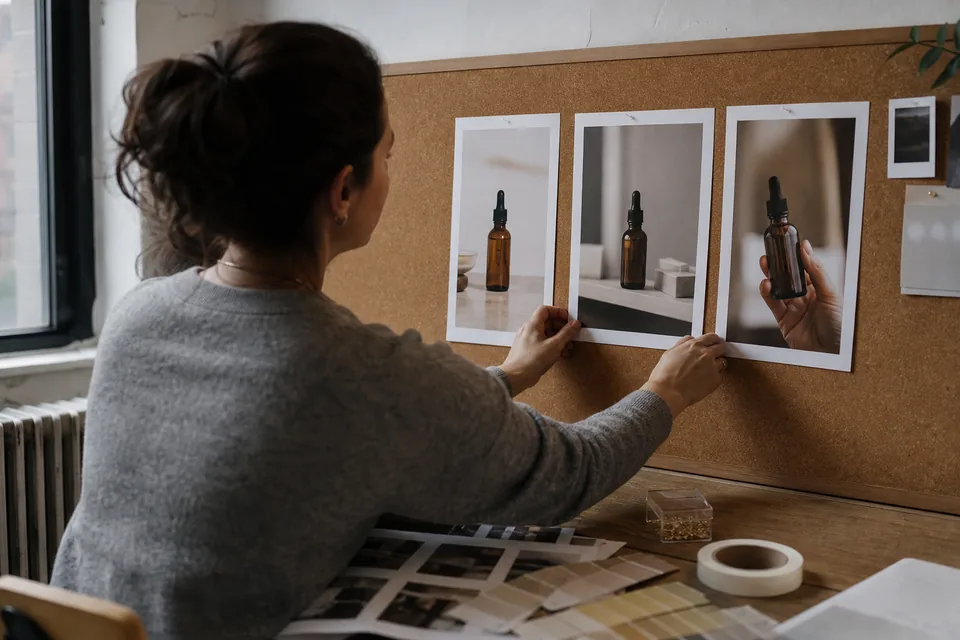
How to read results without fooling yourself
When the time box ends, open the report with a clear head and a fixed order of questions. Reading results is where most of the value is captured or lost.
First, check that the test ran as designed. Did each variant get delivery? Did any ad get rejected or limited? Did the budget or the landing page change midway? If the setup broke, treat the data as directional only.
Second, look at the metric that matches your hypothesis. A hook test should be judged first on attention metrics: the share of impressions that turn into three second views, the hold rate to the midpoint, and click through rate. An offer test should be judged on conversion metrics: cost per purchase, purchase rate after click, and average order value. Judging a hook test only on purchases mixes the effect of the hook with everything that happens on your site.
Third, look at the full funnel for the leaders. A hook that wins attention but produces poor purchases may be attracting the wrong people, for example curiosity clickers who were never going to buy. A useful pattern is to keep the winning hook and test it against new bodies in the next round.
Fourth, ask whether the difference is meaningful. Small gaps between variants with few conversions are often noise. Meta's A/B testing tool reports an estimated chance that the winner would win again. If you run ads side by side without it, be conservative: only promote a variant when its lead is clear and holds across several days, not only in total.
Finally, write down what you learned in plain words, even when nothing won. "Problem hooks and result hooks performed about the same for this product" is a real finding that saves you from retesting the same idea next month.
Keep a creative log
A creative log is a simple spreadsheet with one row per test. It turns a pile of past ads into knowledge the whole team can use, and it is the first thing you open every Monday.
Useful columns:
- Test code and dates.
- Product and angle.
- Hypothesis in one sentence.
- Variable tested and the variants, with their names.
- Primary metric and the result for each variant.
- Winner, or "no clear winner".
- Learning in plain words.
- Next test it suggests.
Over a few months, patterns appear that no single test would show: maybe offer led angles always beat curiosity hooks for your accessories, while result angles work better for your skincare line. Those patterns are what make your next brief faster and your hit rate higher. For inspiration on which structures tend to work across categories, see our collection of product video ads by industry.
Spotting creative fatigue
Even a strong ad wears out. As the same people see it repeatedly, they stop reacting, and performance drifts down. This is creative fatigue, and catching it early is part of the weekly review.
Signs to watch on ads that have been running for a while:
- Frequency rising week over week while reach grows slowly.
- Click through rate falling from its earlier level with no change in the ad.
- Cost per result climbing steadily rather than bouncing around.
- Hook rate and hold rate dropping, which suggests viewers recognise the opening and scroll past.
- Comments shifting from questions about the product to remarks like "I keep seeing this".
Fatigue arrives faster with small audiences, high spend and narrow targeting, and slower with broad audiences and lower spend. A single bad day is not fatigue. A steady trend over a week or more usually is.
When you see it, you have three options. Refresh the ad by keeping its winning core and changing the surface: new opening scene, new hook line, new music, different product shot. Rotate in a winner from your log that has rested for a while. Or launch a fresh test on a new angle. Refreshing is usually the cheapest move, because you keep what you already know works.
A refresh cadence that small teams can keep
How often should you add new creative? The honest answer depends on spend and audience size, and you should let your own fatigue signals guide you. A few working principles still help.
Always have something in the pipeline. The worst position is to notice fatigue on your best ad and have nothing ready. If every weekly cycle ends with at least one new variant ready to launch, you are never caught empty handed.
Refresh winners before they fade, not after. When an ad has carried your account for several weeks, prepare two or three refreshed versions in advance and test them against the original while it is still performing.
Balance iteration and exploration. Most weeks, iterate on what works: a new hook for a winning angle, a new format for a winning hook. Every few weeks, explore something new: an angle you have never tried, a different product in the range, a different offer. Iteration keeps results steady, exploration finds the next winner.
Match production to the cadence you choose. A weekly test with four variants in three placements is a dozen files. Plan for that volume, and use templates and tools so it takes an hour rather than a day. AdClip plans state monthly video and static ad limits in plain numbers, which makes it easy to plan a testing cadence against your ai ad generator pricing choice.
Common mistakes to avoid
Most failed testing programs fail for the same handful of reasons:
- Testing several variables at once and then guessing which one mattered.
- Calling winners after a day or two on a handful of conversions.
- Editing ads, budgets or audiences mid test.
- Comparing ads that ran in different weeks, with different offers or seasonal demand, as if they ran side by side.
- Using vague names, so the report cannot be read later.
- Only testing small details, such as button colour, when the angle or hook would teach far more.
- Never retiring losing ideas, so the same weak angle keeps returning in new clothes.
- Testing with creative that does not fit the placement, such as horizontal video squeezed into Reels, which mixes a format problem into every result.
Avoid these and even a modest budget produces learning that compounds week after week.
A simple template for your first week
If you have never run a structured test, start small. Here is a first week you can copy.
Monday. Pick your best selling product. Write one hypothesis about its hook, for example that a problem led opening beats a product led opening for cold audiences.
Tuesday. Build one base video of around fifteen seconds using your own product photos and clips. Make four versions that change only the first line and first scene. Export each in 9:16 for Reels and Stories and 4:5 for Feed. Name them with the pattern above.
Wednesday. Launch them in a dedicated test campaign with an even split, using Meta's A/B test feature or a single ad set with equal treatment. Decide your judging metric and the end date before you press publish.
Thursday to Sunday. Do nothing. Resist the urge to tweak.
Following Monday. Read hook rate and click through rate first, then cost per result. Log the result in plain words. Promote the clear winner into your main campaign and write the next hypothesis, perhaps testing the winning hook with two different offers.
After a month of this you will have four tests, a creative log with real learnings and a pipeline of ads that fit your brand. If you also run on TikTok, the same rhythm transfers directly, and our tiktok ad generator page explains how to export the same batch for in-feed placements.
Related guides and tools
- Ad sizes for Meta, TikTok, YouTube and Google, with safe zones.
- Facebook ad maker for building Feed, Reels and Stories ads from a product link.
- Creative testing tool for hook, visual, voice and CTA variant sets with clear names.
- Facebook ad copy generator for hooks across problem, result, comparison, offer and curiosity angles.
- AI advertising examples that show what works in paid social creative.