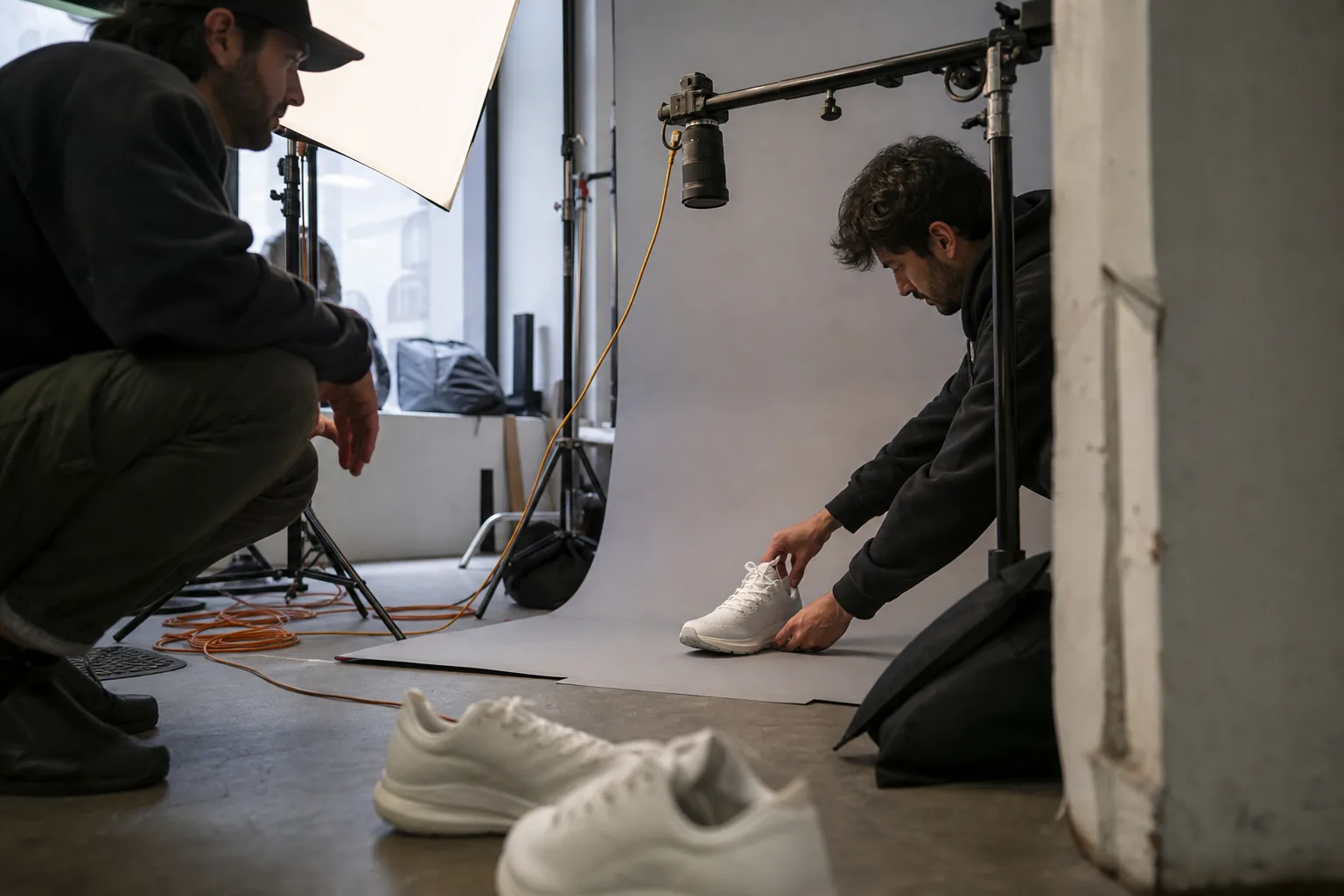
The afternoon at a glance
Here is how the time usually splits when you work through the steps below. Treat it as a guide, not a rule.
| Step | What you produce | Rough time |
|---|---|---|
| 1. Gather material | Product page link, photos, clips, logo | 30 minutes |
| 2. Choose angles | Two or three reasons to care | 20 minutes |
| 3. Write hooks | Several openings per angle | 20 minutes |
| 4. Write scripts | 15 and 30 second versions with scene lists | 30 minutes |
| 5. Assemble scenes | Footage matched to every line | 40 minutes |
| 6. Captions, voice, music | A watchable cut with and without sound | 30 minutes |
| 7. Resize and export | Files for each placement, named for testing | 30 minutes |
With an AI ad tool, steps 3 to 7 shrink to minutes, which leaves more of the afternoon for the decisions only you can make: the angle, the offer and the final review.
Gather your material first
Everything starts with what you already have. Collect it in one folder before you write a word.
- The product page link. It holds the title, description, price, images and often review text. This is your source of truth for every claim in the ad.
- Product photos. Clean shots on a plain background are useful for static ads and end cards; lifestyle shots show the product in use.
- Short clips. Even phone footage works: the product being opened, used, worn, poured, switched on. Shoot vertical if you can, since most placements are 9:16.
- Your logo in a transparent format, your brand colors and the fonts you use.
- Any rules you must follow: words you never use, disclaimers your category requires, claims legal has approved.
If you have very little footage, licensed stock can fill scenes that do not need to show your exact product, such as a kitchen, a commute or a desk. Keep the product itself on screen using your own material. AdClip combines both: your uploads for the product and a licensed stock library for context, cleared for paid ads on the platforms you export to.
Choose the angle before anything else
The angle is the single reason someone should care about this ad. Most product video ads use one of five:
- Problem. Name a frustration the product removes.
- Result. Show the outcome after using it.
- Comparison. Contrast the product with the usual way of doing the job.
- Offer. Lead with a price, a bundle or a bonus.
- Curiosity. Open a question the product answers.
Read your product page and ask which of these it supports with real evidence. A serum page that talks about hydration through the day supports a problem angle. A page with a bundle discount supports an offer angle. Pick two or three angles, not five. You will make several ads per angle later, and spreading too thin makes it hard to learn anything from your tests.
If you are unsure which angles fit, the demo on the AdClip home page drafts angles, audiences and offers from your link. It is a quick way to see your product through a copywriter's eyes before you commit.
Write the hook before the script
The hook is the opening line and the first frame. It decides whether the rest of the ad is ever seen. Write it before the script, because the script has to follow from it.
Good hooks share a few traits:
- They are specific. "Dry skin by 3 pm" beats "Want better skin".
- They are short enough to read in two seconds as on-screen text.
- They match what the viewer sees in the first frame.
- They sound like your brand, whether that is direct, playful, premium or urgent.
Write at least five hooks per angle and pick the best two. This is where AI saves the most time: AdClip writes nine openings per angle in the tone you choose, so you spend your time choosing rather than staring at a blank line. The ad hook generator page shows how hooks are grouped by type.
A test worth doing: read each hook aloud and then imagine it as silent text over your first frame. If it only works with sound, rewrite it.
Turn the hook into a script with a scene list
A video ad script is not prose. It is a list of scenes, each with what the viewer sees, what the caption says and what the voiceover says. Writing it that way forces you to keep the visuals and the words in step.
Here is the structure of a 15 second script built on a problem angle:
| Time | On screen | Caption | Voiceover |
|---|---|---|---|
| 0 to 2 s | The problem, shown plainly | The hook | The hook, spoken |
| 2 to 6 s | The product appears | The main benefit | One sentence on what it does |
| 6 to 11 s | Product in use, two quick shots | A short proof point from the page | How it fits into the day |
| 11 to 15 s | Logo end card | The offer and call to action | The call to action |
The 30 second version adds one or two proof scenes and a line about the offer. A 45 second version suits YouTube in-stream and audiences who already know you, with room for a short walkthrough.
Write both a 15 and a 30 second script for every angle. Shorter cuts usually suit cold audiences on Reels and TikTok, while longer ones can work for retargeting and YouTube. AdClip writes 15, 30 and 45 second scripts with scene lists, on-screen text and voiceover lines, and you can edit any line before building the video.
Match footage to every line
Go through the scene list and attach a clip or photo to each scene. A few rules keep the result watchable:
- Every scene should change something on screen: a new angle, a new shot, a zoom, a cut. Static frames longer than a few seconds lose attention.
- Show the product in the first third of the video. Viewers should know what is being sold early.
- Use stock only for context, never as a stand in for your product.
- Keep cuts on the beat of the music where you can. It makes even simple footage feel edited.
- Avoid placing important visual detail where the platform interface sits (the bottom and right edges on vertical placements).
If a scene has no suitable footage at all, you have three options: shoot a quick clip, use a still photo with a slow zoom, or fill the gap with short generated b-roll. AdClip's Growth, Agency and Enterprise plans include a monthly allowance of generated video scenes for these gaps (10, 30 and 100 seconds per month), always as background shots and never as people presenting your product.
Templates help when you do not want to plan every cut by hand. Problem and solution, before and after, unboxing, feature walkthrough, offer countdown and app screen walkthrough each come with a scene structure that AdClip fills from your script.
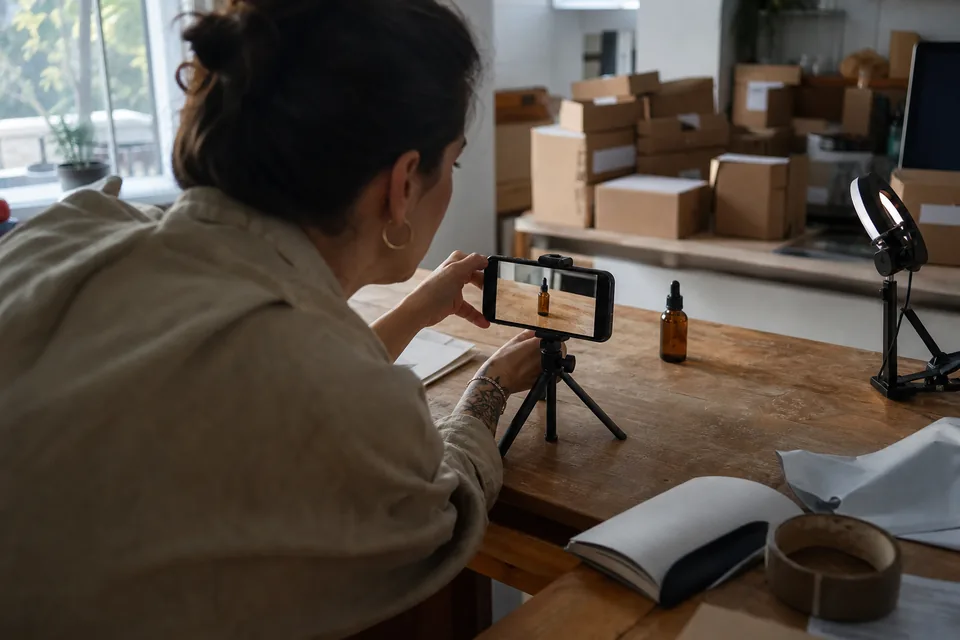
Add captions, voice and music
This is where a sequence of clips becomes an ad.
Captions
Animated captions should carry the full message on their own. Keep each caption to a few words, place it in the safe area of the frame, and use enough contrast to read on a bright phone screen. Highlight the one word in each line that matters most. Export an SRT file as well, so platforms that support caption files can use it.
Voiceover
A voiceover adds warmth and pace. Choose a voice that suits your audience and brand, and listen to the full ad before you approve it. Watch for awkward pronunciation of product names. AdClip offers AI voiceover in multiple voices and languages, which also makes it simple to produce the same ad for several countries.
Music
Music sets the energy. Fast cuts suit upbeat tracks; premium products often suit slower, simpler music. Only use music you are licensed to use in paid ads. Tracks lifted from social apps are often licensed for organic posts only. The music in AdClip is licensed for paid ads on the exported platforms for as long as the ad runs.
End card
Close with your logo, the offer and a single call to action. Keep it on screen for at least two seconds so viewers can read it.
Resize for every placement and export
One ad is really several files. Each placement has its own shape and its own interface covering parts of the frame.
| Placement | Ratio | Notes |
|---|---|---|
| Reels, Stories, TikTok, YouTube Shorts | 9:16 | Keep captions and product away from the bottom and right edges |
| Meta and Instagram Feed | 4:5 or 1:1 | 4:5 takes more screen space in the feed |
| YouTube in-stream | 16:9 | Room for a longer cut and a clear end card |
| Google Display and Performance Max images | 1.91:1, 1:1, 4:5 | Static versions of the same concept |
Do not simply crop a 16:9 master into 9:16. Faces, products and captions end up cut off. Lay out each ratio separately so the product and text sit in the right place. AdClip lays out every concept in each ratio automatically and exports MP4 (H.264), PNG, JPG, SRT captions and a CSV of variant names and copy. The full list of dimensions is in our reference on ad sizes.
Name your files so the results are readable later. A pattern such as product, angle, ratio and variant (for example SERUM-PROB-916-A) tells you at a glance what each ad is when you look at the numbers in ads manager.
Make variants instead of a single ad
A single video tells you very little. The point of making ads quickly is that you can make several and let the audience decide.
Change one thing at a time so you know what made the difference:
- Hook variants. Same video, different openings. This is usually the most useful test.
- Visual variants. Same script, different footage or a different first frame.
- Voice variants. A different voice or no voice at all.
- CTA variants. "Shop now" against "See the bundle", for example.
AdClip builds these variant sets for you from one concept, with consistent naming and a CSV that lists every variant with its copy. The page on our creative testing tool shows how the sets are organized, and the guide to facebook ads creative testing explains how to run and read the test week by week.
Review before you upload
Before anything goes live, watch every file on a phone, once with sound and once without. Check this list:
- Does the first frame make sense without sound?
- Is the product visible early?
- Can every caption be read on a small screen, and is it clear of the platform interface?
- Does every claim match your product page?
- Are names, prices and offers correct and current?
- Does the voiceover pronounce the product name properly?
- Is the end card readable and the call to action clear?
- Do the disclaimers your category needs appear where they should?
If you work in a team or for clients, have someone else watch the files too. On the Agency and Enterprise plans, AdClip supports approval before export with comments, so a reviewer signs off before anything leaves the workspace. The page for ad creative software for agencies describes that workflow.
Common mistakes when making your first video ad
- Starting with the logo. The first second is too valuable for a logo animation.
- Too many messages. One angle per ad, then make more ads.
- Tiny text. Captions sized for a desktop editor are unreadable on a phone.
- Music without a license for paid use. It can get the ad rejected or muted.
- Cropping one master for every placement.
- Claims your page does not support.
- Making one ad and judging the whole idea by it.
When to use AI and when to do it by hand
AI is strongest at the parts that are repetitive or slow: drafting many hooks, writing scripts in a fixed structure, matching footage to lines, generating captions, voicing the script in several languages, resizing for each placement and naming files. That is most of the hours in a traditional edit.
You remain responsible for the parts that need judgment: choosing the angle, deciding the offer, approving claims, picking the hooks that sound like your brand, and watching the final cut. A good workflow uses AI to give you more options and less busywork, and keeps a person in charge of what goes out.
If you run a store, the guide to ecommerce video ads shows how this applies to product catalogs. If you sell an app, see mobile app video ads. For an overview of the product, the video ad maker page and the AI video ad generator page explain what AdClip produces from a single link.
Your afternoon checklist
- Collect your product link, photos, clips, logo and brand rules.
- Choose two or three angles your page actually supports.
- Write several hooks per angle and keep the most specific.
- Write 15 and 30 second scripts as scene lists.
- Match footage to every scene, product visible early.
- Add captions for silent viewing, a fitting voice, licensed music and a clear end card.
- Lay out each placement separately and export with clear file names.
- Build hook, visual, voice and CTA variants.
- Review every file on a phone before upload.
For more patterns to borrow, read our collection of ai advertising examples and the breakdown of product video ads by industry.